
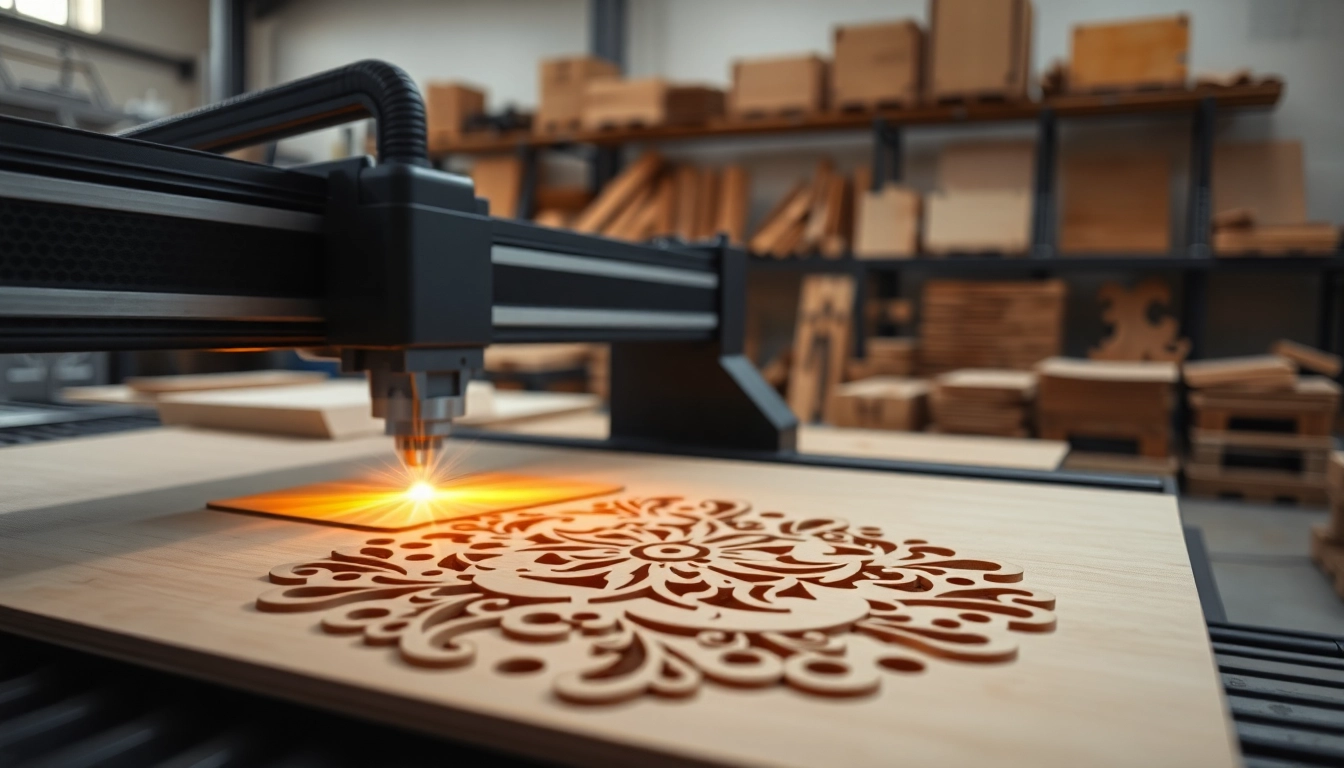
Understanding dxf File for Laser Cutting
What is a DXF File?
A DXF (Drawing Exchange Format) file is a vector graphics format created by Autodesk for enabling data interoperability between AutoCAD and other software applications. This format is essential for storing 2D and 3D drawings, making it widely used in various design industries, including architecture, engineering, and manufacturing. The simplicity of DXF files allows them to be easily manipulated by other design software, thus promoting creativity and efficiency in design processes.
Importance of DXF Files in Laser Cutting
In laser cutting, precision is everything. Thus, the dxf file for laser cutting serves as a key element in ensuring that designs are executed with utmost accuracy. DXF files contain detailed instructions about layers, lines, and curves necessary for the laser cutter to process. This format helps streamline the workflow from design to execution, reducing the risk of errors and optimizing the cutting process.
Basics of Using DXF Files
Using DXF files in laser cutting typically involves a few straightforward steps. First, designers create their artwork using CAD software or vector graphic tools. Once the design is finalized, users save or export the artwork in the DXF format, ensuring that all layers are correctly defined. Next, the laser cutting software imports the DXF file, enabling operators to choose specific settings such as cutting speed, power, and frequency.
Creating Effective Designs for DXF Files
Choosing the Right Software
Selecting the right software to create DXF files is crucial for laser cutting success. Popular options include AutoCAD, Inkscape, and CorelDRAW, each offering unique features and capabilities. AutoCAD is perfect for professional architects and engineers, while Inkscape provides an open-source alternative for versatile design options. Additionally, it’s essential to use software that supports DXF export capabilities if laser cutting is your main goal.
Design Principles for Laser Cutting
Adopting sound design principles is fundamental for creating effective DXF files. Key considerations include:
- Scale: Ensure that your design is accurately scaled to fit the material’s size.
- Line Weight: Use appropriate line weights to guide the laser’s cutting speed and power.
- Path Closure: All paths should be closed to prevent incomplete cuts.
- Layer Separation: Utilize layers smartly to differentiate between cutting and engraving operations.
By keeping these principles in mind, designers can avoid common mistakes leading to flawed laser cuts.
Testing Your Designs
Before proceeding with a full-scale laser cutting operation, it’s vital to test your designs. This can be done by running a few trial cuts on a cheaper material. Observing how the design performs will help in identifying any adjustments needed in line weights or cut paths. Analyzing the test results also offers insights into potential material-specific challenges, optimizing the final production for better outcomes.
Preparing Your Laser Cutting Workspace
Essential Tools and Equipment
To ensure a smooth laser cutting process, setting up the right tools and equipment is essential. Key items include:
- Laser Cutter: Choose a machine that suits your cutting needs, considering factors like power and bed size.
- Ventilation System: Strongly recommended to dispel harmful fumes generated during cutting.
- Material Supplies: Stock various materials that can be easily cut, such as wood, acrylic, and metal.
- Safety Gear: Personal protective equipment should include goggles and masks to ensure operator safety.
Safety Considerations
Working with lasers presents inherent risks; hence, following strict safety protocols is a must. Operators should always wear appropriate PPE and ensure that materials used are compatible with laser cutting. It’s also critical to keep flammable materials away from the laser cutting zone, as sparks could ignite them. Regular safety training and drills should be conducted to maintain a safe working environment.
Workspace Setup
A well-structured workspace can significantly enhance productivity and safety. Ensure adequate space around the laser cutter for safe access and maintenance. An organized workbench for material preparation can simplify the workflow. Proper lighting within the workspace also aids in accurate manipulation and inspection of designs pre-and post-cutting. Consider implementing a digital workspace organization system to track ongoing projects and materials used.
Troubleshooting Common Issues with DXF Files
Common Errors When Importing DXF Files
Despite careful preparation, users may encounter issues when importing DXF files into laser cutting software. Common errors include:
- Missing layers
- Incorrect scaling
- Unsupported objects in the design
Identifying these problems early can save time and resources, allowing for quick corrective actions before cutting begins.
Fixing Cutting Errors in the Design
Upon cutting, if the outcome is not as expected—such as incomplete cuts or excessive burning—it’s crucial to examine the design. Common fixes include:
- Adjusting line weights
- Ensuring proper path closure
- Rethinking the design layout for better flow
Running additional tests on material scraps will also help resolve these issues.
Optimizing Settings for Best Results
For optimal results, various settings need adjustment based on factors like material type, thickness, and desired cut quality. Experiment with speed and power settings to discover what works best across different materials. Furthermore, regularly checking the condition of your laser cutter and its lens can help ensure precise and reliable cutting results.
Advanced Techniques for Mastering DXF Files
Incorporating Multi-Layer Designs
To add depth to designs, consider using multi-layer setups. Layering allows for complex designs, combining different materials and colors for stunning visual effects. Each layer can have distinct cutting or engraving settings, providing versatility in the final output. When creating multi-layered designs, ensure each layer has its own DXF file to simplify the cutting process.
Using Color and Material Variations
Integrating color and material variations can elevate the appeal of laser-cut designs. Utilizing colored acrylics or different wood finishes can create attractive contrasts, enhancing the aesthetics of your final product. When designing, it’s crucial to incorporate suitable color codes in the DXF files to guide the laser cutter about specific tasks required for each material.
Exploring New Technologies in Laser Cutting
Staying up-to-date with advancements in laser cutting technology is essential for maximizing potential and efficiency. Innovations like fiber lasers, which can cut through thicker materials and do so faster than traditional CO2 lasers, present new opportunities for creators. Exploring automation within laser cutting applications could further streamline workflow, reduce human error, and improve productivity.
FAQs
What file types are compatible with laser cutting?
Most laser cutters accept DXF, SVG, and AI files, but always check your specific machine requirements.
Can I use free software to create a DXF file?
Yes, there are free programs like Inkscape and LibreCAD that can create DXF files suitable for laser cutting.
How do I optimize a DXF file for laser cutting?
Ensure your design is closed and simplified, check for overlapping lines, and use appropriate scale before exporting.
What are common mistakes when preparing DXF files?
Common mistakes include incorrect dimensions, unclosed paths, and using unsupported objects within your design.
Can I modify an existing DXF file?
Yes, you can edit DXF files in compatible design software; ensure to save your changes in the correct format.